



Java Speaks Turns 20



Java Speaks has a twentieth anniversary on Fathers Day. The event is now zoomed. People are encouraged to find the first poem they read as JS, and perform this poem at the anniversary.
Manley Pointer may be the only person who is better off online. MP creates graphic poems, and presents them with screen share. The graphic poems originally used public domain material for the words. MP decided to write his own words later. When Java Speaks came into the picture, MP had been writing poems for over two years.
There is a log on MP’s computer. “001 022816 read java edit022916” This was Oscar night, in 2016. The plan was to go to the show, see how things went, and come back to perform later. Before he left, MP put a printed sheet of poems in his pocket. Here are some accounts of that evening. (one two) Two of those poems are presented here today. (one two)
The original Java Monkey will never be recreated. An indoor/outdoor space, next to a coffee shop, the venue had zero creature comforts. The atmosphere was phenomenal. The idea was to get there before 7:30, work your way to the front part of the line, and try to get in the first half of the show. After the feature, the second half of the show saw fewer, and fewer, people in the audience. MP did not know this that first night, and wound up deep in the second half.
MP did not make it back until 0327, then began to appear semi-regularly. Something happened on 0417. MP was waiting to present a back-handed tribute to Charles Bukowski. The poet on stage said he had been a mess, until this woman came into his life. The poet then proposed to the lady, onstage, in front of God and the barista. Pandemonium broke out in the hall … people were cheering and crying. Cell phones appeared to make videos. Nobody wanted the moment to end, but eventually it did. The next poet to perform was Manley Pointer, aka piers gaveston, aka chamblee 54.
Java Speaks was created by Kodac Harrison. He kept the show going for many years. After the 2016 election, the show was facilitated by Theresa Davis.
One Sunday night, there was a slam. The action got a bit too hot. Java Monkey burned down. Java Speaks took to couch surfing. Then the pandemic hit, and the event went virtual. It will be that way for a while, every Sunday night.




Deconstruction Poems

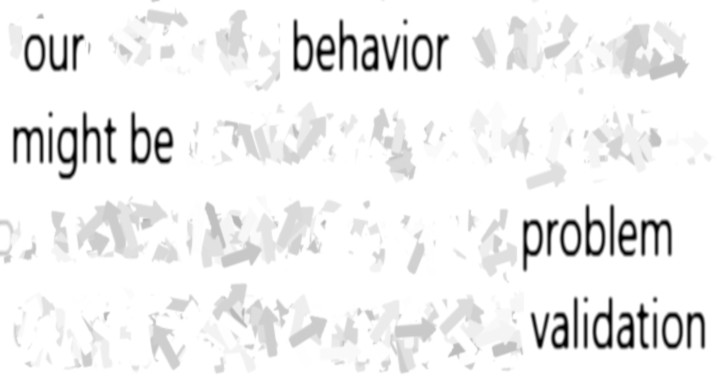

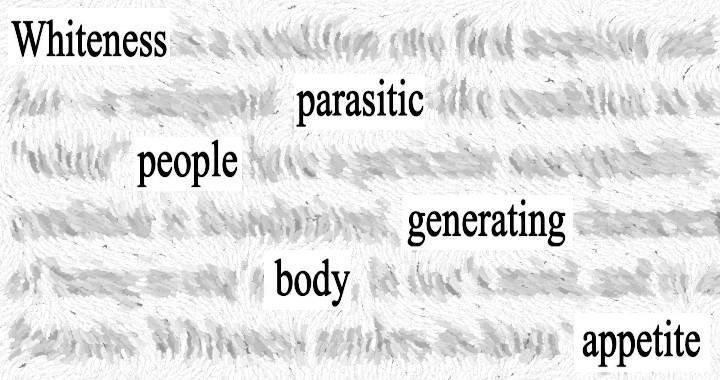
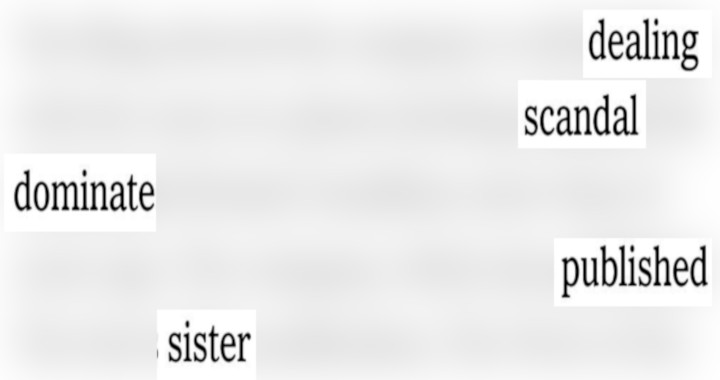
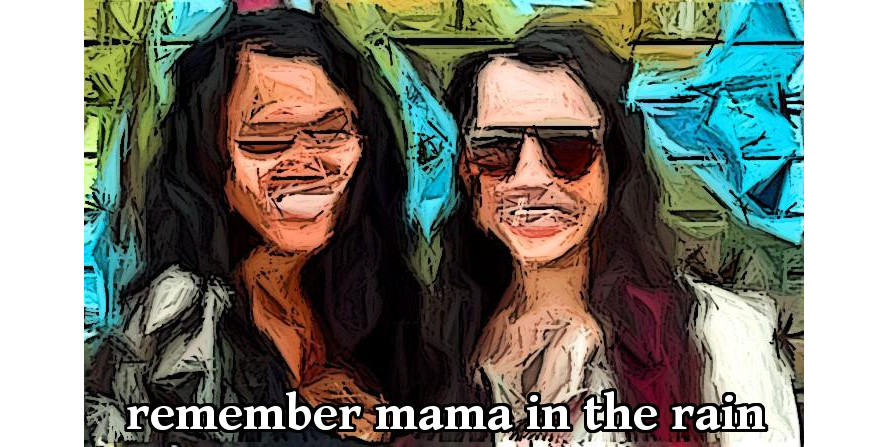
Deconstruction poems were originally known as blackout poems. Hard copy was used as a base, with words eliminated with magic markers. (“Let the phrases find you.”)
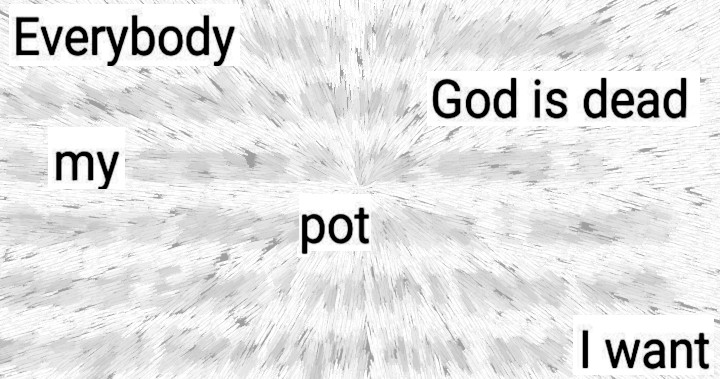
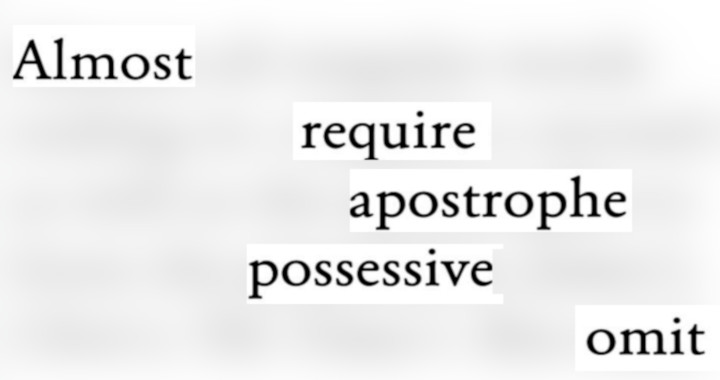
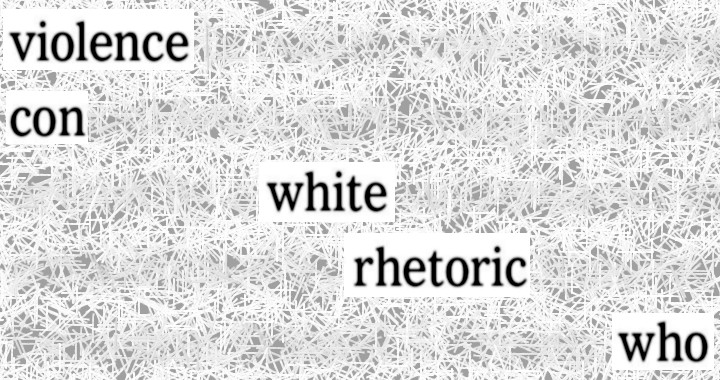
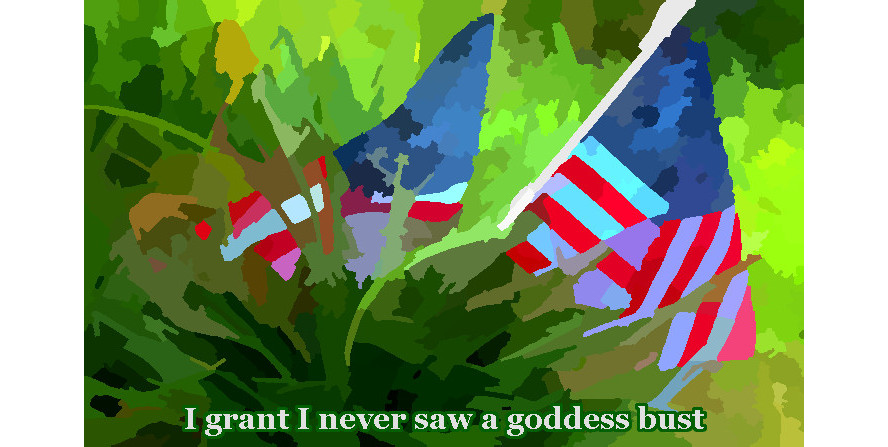
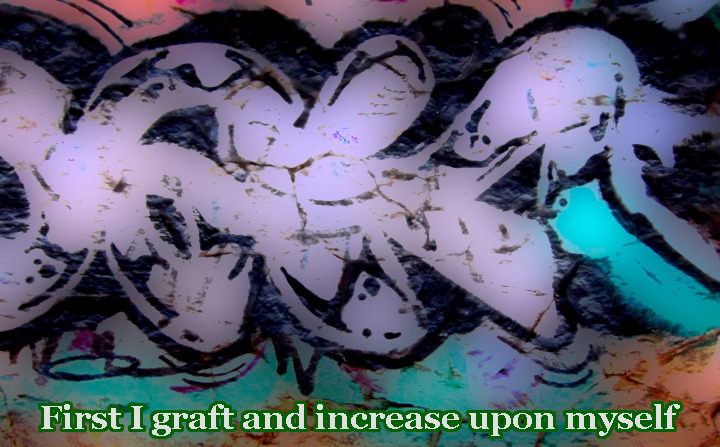
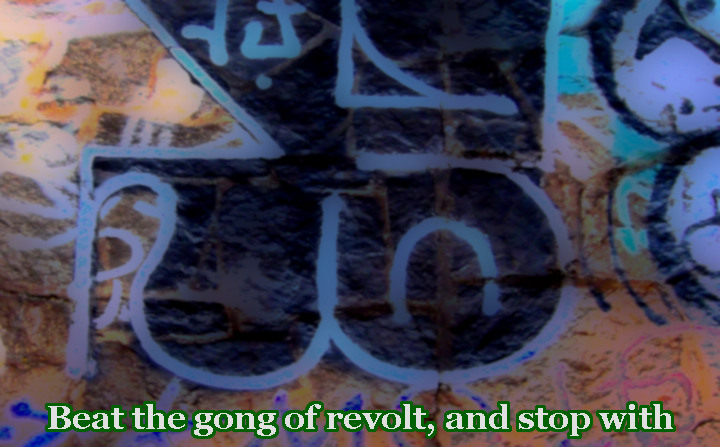
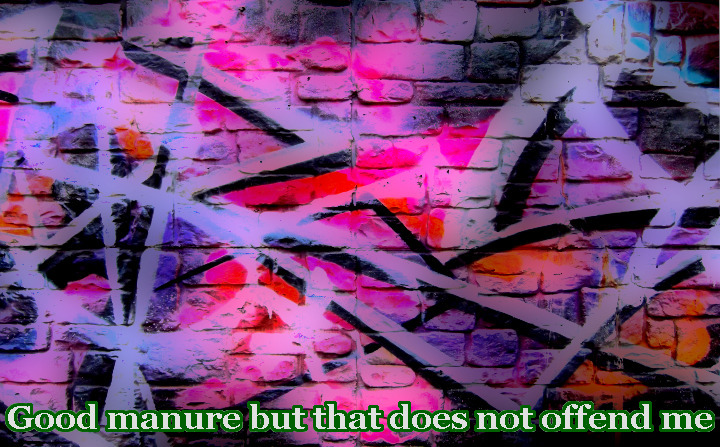
PG shifted to a digital format immediately. (one two three) People realized that “blackout” might not be appreciated by everyone. PG has heard the phrase deconstruction for a while, and does not know what it means. The phrases that find you are known as the Surviving Words. Sometimes these will known as selected words. Words that do not survive are known as Background Words.
The process described today uses GIMP. This is an open source image manipulation program. GIMP is available for free download, unlike better known programs. The process discussed here can probably be facilitated in other programs. PG works on a desktop PC. If you use a Mac, or a phone, you can figure this out as best you can.
This video shows how to make a deconstruction poem in seven steps.
Step One Chose the text that you will use
Open the Rectangle Select tool (R, Tools Menu)
Draw a rectangle around the text you want to use. Height should be five. or six, lines.
Width should be twice the Height.
Choose Crop to Selection (Image Menu)
Choose Scale Image… (Image Menu)
Enter 720 in the Width field. Click on the chain link, to the right of the Width field.
It should break open. Enter 380 in the Height field.
Step Two Choose the Surviving Words
Open the Rectangle Select tool (R, Tools Menu)
Draw a rectangle around one word on each line.
After the first word, hold down the Shift Key, while using Rectangle Select.
Using the Shift Key will add to the selection.
If you want to de-select a word, hold down the Control Key, while using Rectangle Select.
Select at least one word on the left edge of the image, and at least one on the right edge.
Step Three Make surviving words darker
Open Levels… (Colors Menu) Enter 128 in the Input Levels field.
This will make the Surviving Words darker.
Step Four Invert the selection
Choose Invert (Select Menu)
Step Five Blur the Background Words.
Select Blur → Gaussian Blur… (Filters Menu) Type 22 in the Size X field. Click OK.
Step Six Check poem for mistakes
When there is a mistake, hit Undo (Ctrl + Z)
Hit Undo until the Surviving Words are the original tone.
Open the Rectangle Select tool (R, Tools Menu)
To de-select a word, hold the Control Key, while using Rectangle Select.
To select a word, hold the Shift Key, while using Rectangle Select.
When you are through, repeat steps Three, Four, and Five.
Step Seven Export the image
When you are happy with the poem, export the image.
Choose Export As… (File Menu)
Give the poem a name, and click Export.
Q – Why are the poems scaled at 720×380 (pixels)?
A – These are the best dimensions for Twitter, on a PC. If the poem is taller than 380 pixels, Twitter will cut off part of the image. When posting for Instagram, the best dimensions are 720×720. Instagram is for squares.
Q – Are there any easier ways to access these tools?
A – GIMP allows the user to assign Keyboard Shortcuts (Edit Menu). If you look in the Menus, it will show keyboard shortcuts. You can also access Rectangle Select from the Toolbox (Ctrl+b).
Q – Are there any other ways to blur the Background Words?
A – Yes. Gaussian Blur was used today for simplicity. If you go in the Filters Menu, you will find thousands of ways to blur the Background Words. Artistic→GIMPressionist… is a popular option.
Q – Can I make the blurred Background Words lighter?
A – Yes. This is recommended for many blur options.
Open Levels… (Colors Menu)
Enter 128 in the Output Levels field.
This will make the Background Words lighter.
If 128 is not light enough, enter a higher number. The higher the number, the lighter the image.
Q – Where do you get the original source material?
A – Facebook and Twitter are options, as well as Screen Shots.
In Facebook/Twitter, click on the image. When the image appears by itself, right click on the image. Choose Save Image As…
That about does it. There are probably some details left out. Just make some Deconstruction Poems of your own. The beauty of DP is that you can usually knock one out in a few minutes. Sometimes, in a contentious/tedious facebook quarrel, you can drop a gnomic DP in the comments, and confuse everybody. Have fun, and don’t spill your beverage.





Happy Birthday Mr. Ginsberg

Allen Ginsberg would be 95, if nature had not made other plans in 1997. The son of Louis and Naomi Ginsberg arrived, in Newark NJ, June 3,1926.
Hippie, beatnik, gay, artist, peace promoter, Buddhist convert…these are a few of the labels. He became famous for being famous, well known to people who never read a word of his poems. Two of the more famous were howl and kaddish.
Howl became scandalous in 1956 when it was busted for obscenity. It is mild by today’s standards, but almost landed Mr. Ginsberg in prison. PG heard about howl in the early nineties, and looked high and low for a copy. He could not find one. Today, not only is the text widely available, there are recordings of Mr. Ginsberg reading his work. (Here is an updated version: howl 2011.)
1956 was the year of the obscenity trial for howl. This took place on the other side of America from Brookhaven, where PG was two years old. This was the year when the Georgia legislature voted in a new flag, for whatever reason. In 1955, President Eisenhower had a heart attack. Many wondered if it was a good idea to have Richard Nixon as the vice president.
The original plan was to listen to Mr. Ginsberg read, while editing photos. PG was going to listen to the words, and think of something to say while listening to the bard. About the seventeenth time Mr. Ginsberg shouted “Moloch”, the plan began to fall apart.
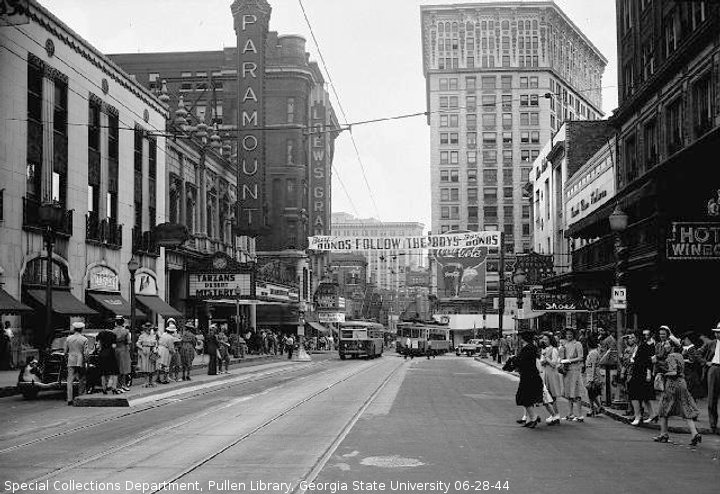
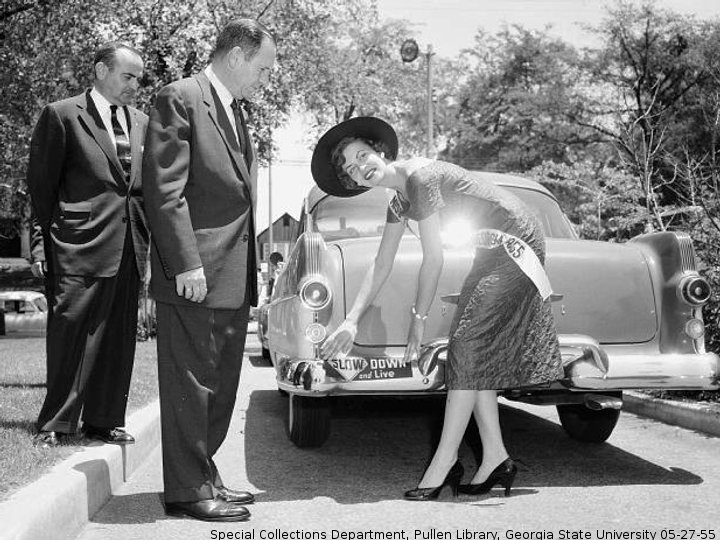
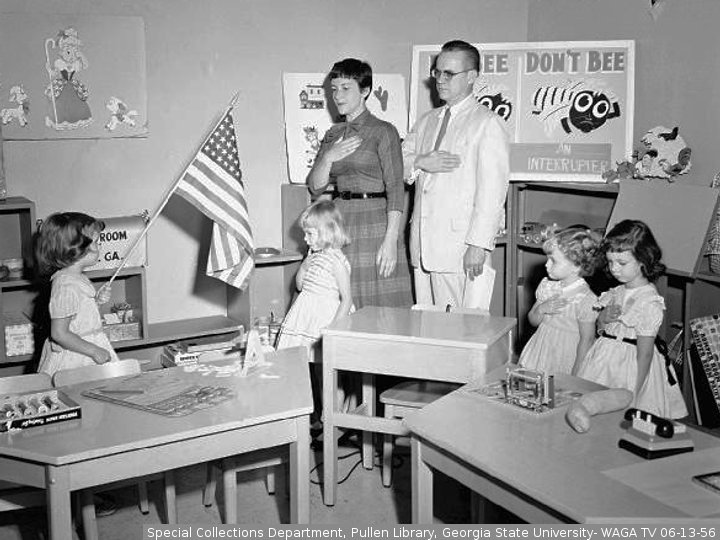
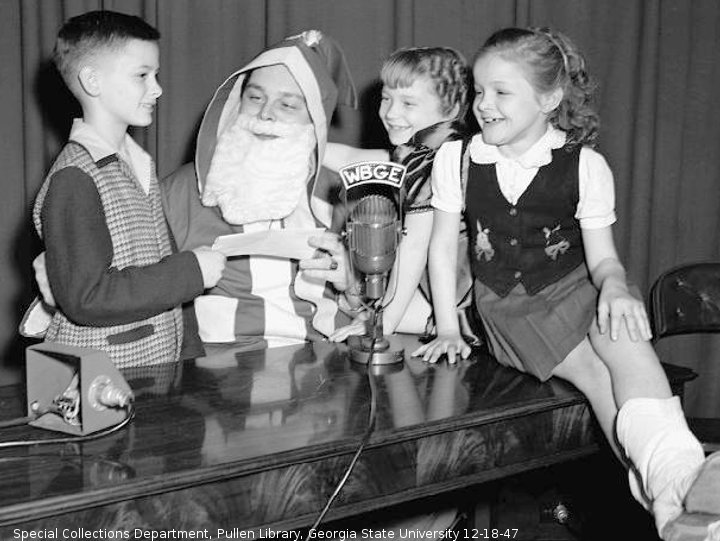
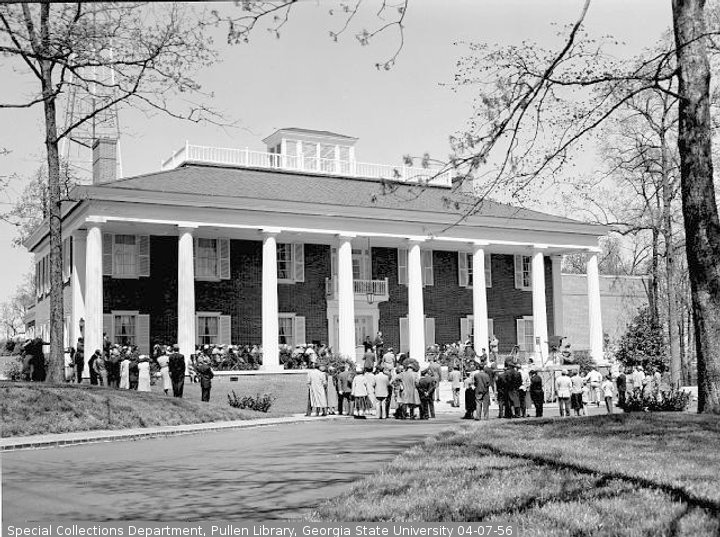
The player was turned off, the files stored on an external hard drive, never to be heard again. PG just is not a poetry person. This is a repost, with pictures from “The Special Collections and Archives, Georgia State University Library”.






 Chamblee54
leave a comment